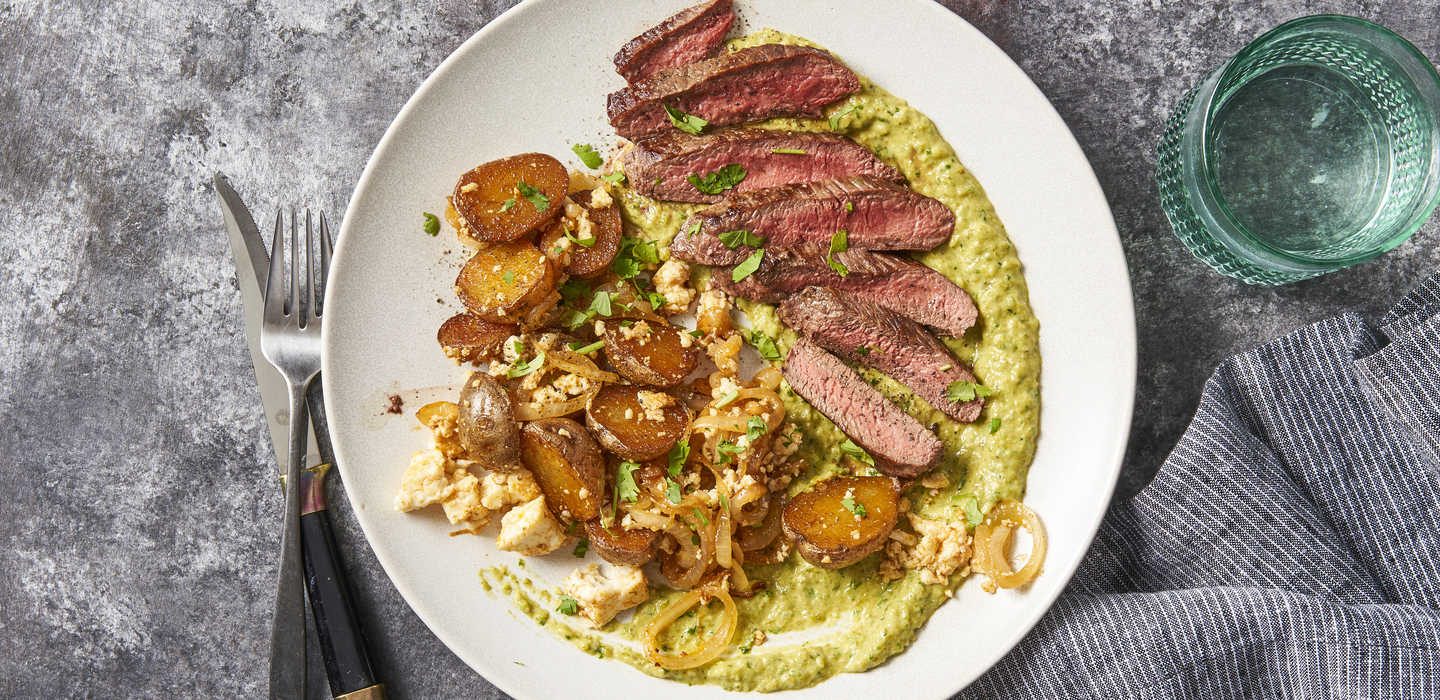
Pan Roasted Salmon
with Lemon Butter
2 servings · + $5.00
Foundations
Four durations cover almost everything. Use ease-out for things entering, and a soft spring for small confirmations.
Instant
100ms
Presses, toggles
Quick
200–250ms
Icon flips, hover, field focus
Standard
300–400ms
Checkmarks, toasts, pops
Deliberate
500ms
Progress lines, page-level changes
Ease-out cubic-bezier(0.22, 1, 0.36, 1) · Spring cubic-bezier(0.34, 1.56, 0.64, 1). All motion turns off when someone's device asks for reduced motion.
Click each icon to play it.
Choosing next week's box. The line fills as you move forward, finished steps draw a check, and the current step pulses gently.
Pick 3 meals for next week
Press — scales to 95%, 100ms
Loading → success, then resets
Add to box → quantity stepper
Tap Add. The card lifts and gets a green outline, a check draws over the photo, and the box counter bumps up by one. Tap again to remove it.
with Lemon Butter
Tuesday's box
2 of 4 meals
Fields confirm themselves once they're valid, and shake once when something's wrong.
Slides up from the bottom, stays 2.5 seconds, then goes away on its own.
Do
Animate to confirm an action or show progress.Don't
Loop anything except a gentle cue for where you are now, or make anyone wait on motion before they can act.